
Snapnote · iPhone, iPad and Apple Watch
Catch the idea. Then find out if it is worth building.
Snapnote is a fast idea notebook. Capture a thought in seconds, develop it with a built-in idea agent, and check it against patents and research papers.
- Free to download
- 4.8 ★ from 12 ratings
- 11 languages
From a spark to a decision
Most notes apps stop at storing what you wrote. Snapnote helps with what comes next.
1. Capture
Get it down before it is gone
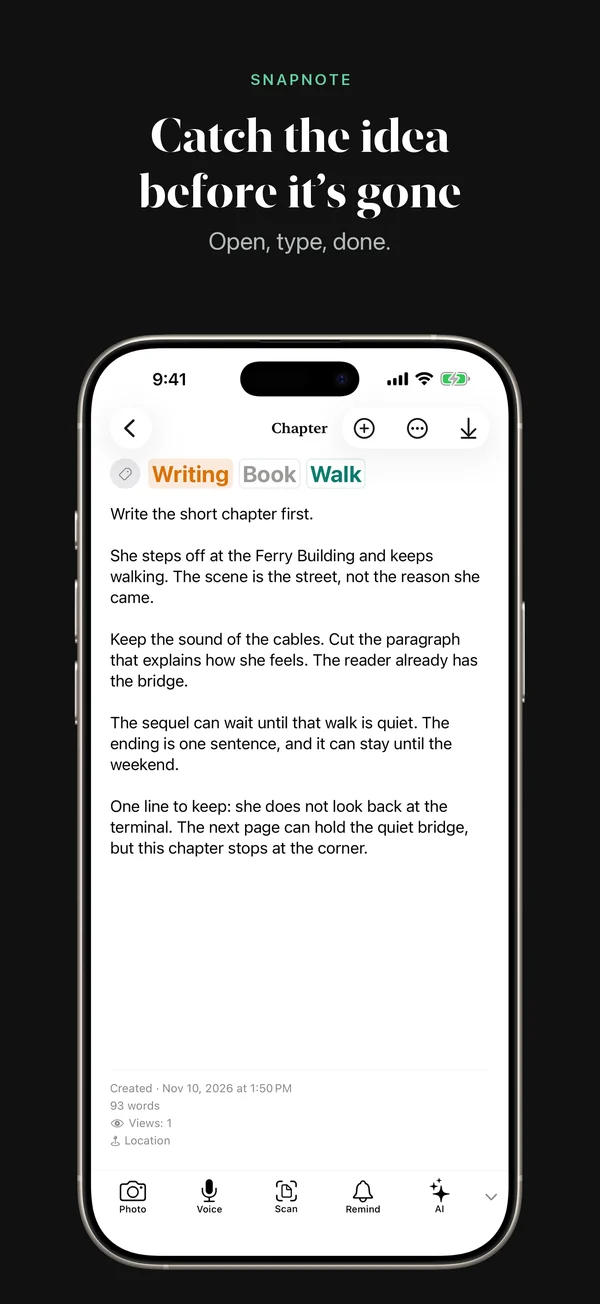
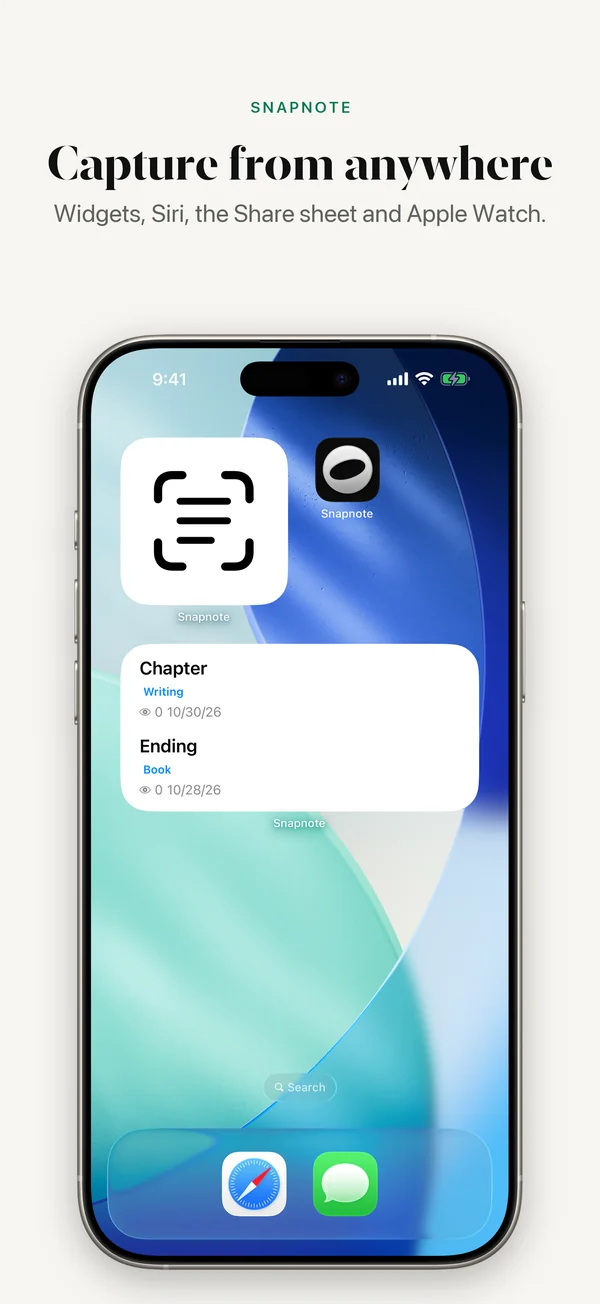
Type, dictate or point the camera at text. Add a note from a widget, the share sheet, Siri, Control Center or your Apple Watch.
2. Develop
Turn a line into a plan
The idea agent brainstorms with you, expands a rough note and makes it actionable. Related notes appear while you write.
3. Validate
Check it before you build
Search US patents, arXiv and Google Scholar from inside the app, and get a verdict on the idea: build, niche down, park or kill.
See it in action
What is inside
Find by meaning
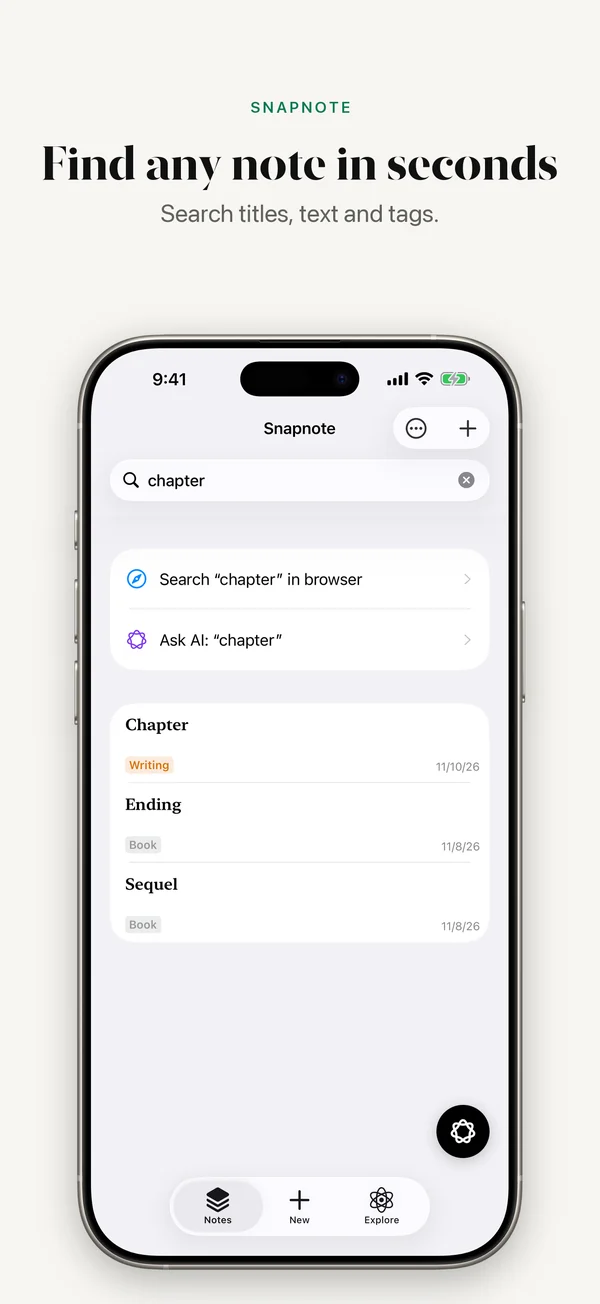
Semantic search finds the note you meant, even when you do not remember the words you used.
Ideas come back
Set a reminder on any note. Snapnote also resurfaces notes you have not opened in a while.
Research tools built in
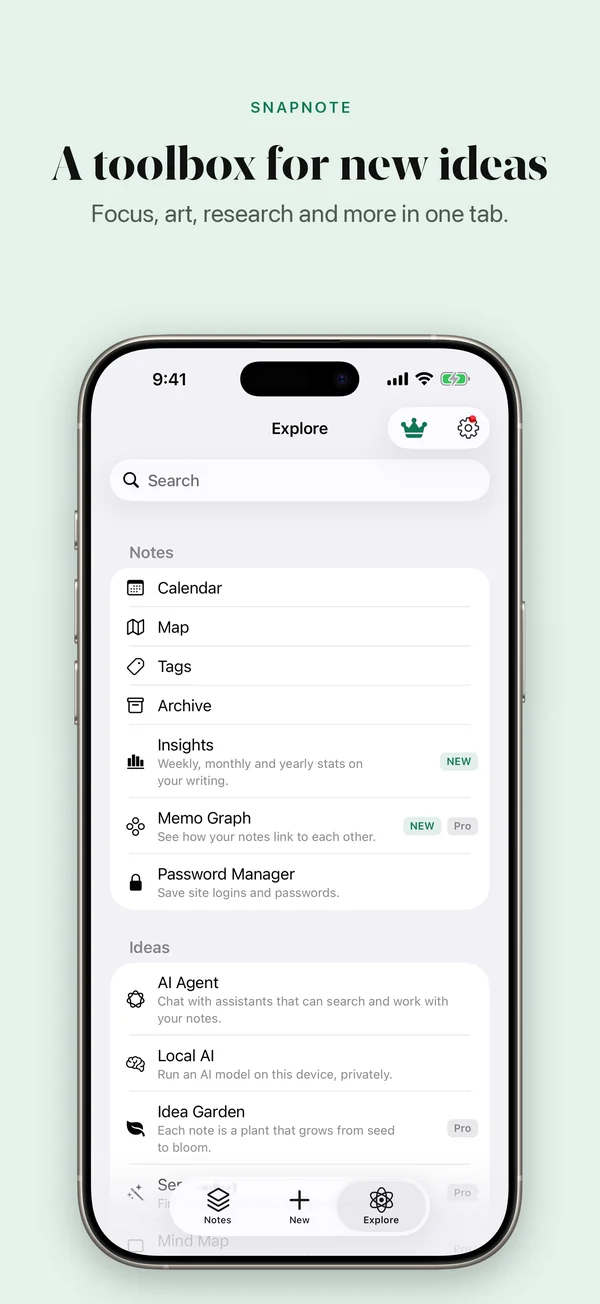
arXiv, Google Scholar, US patent search, Hugging Face, RSS feeds and YouTube transcripts.
Organize your way
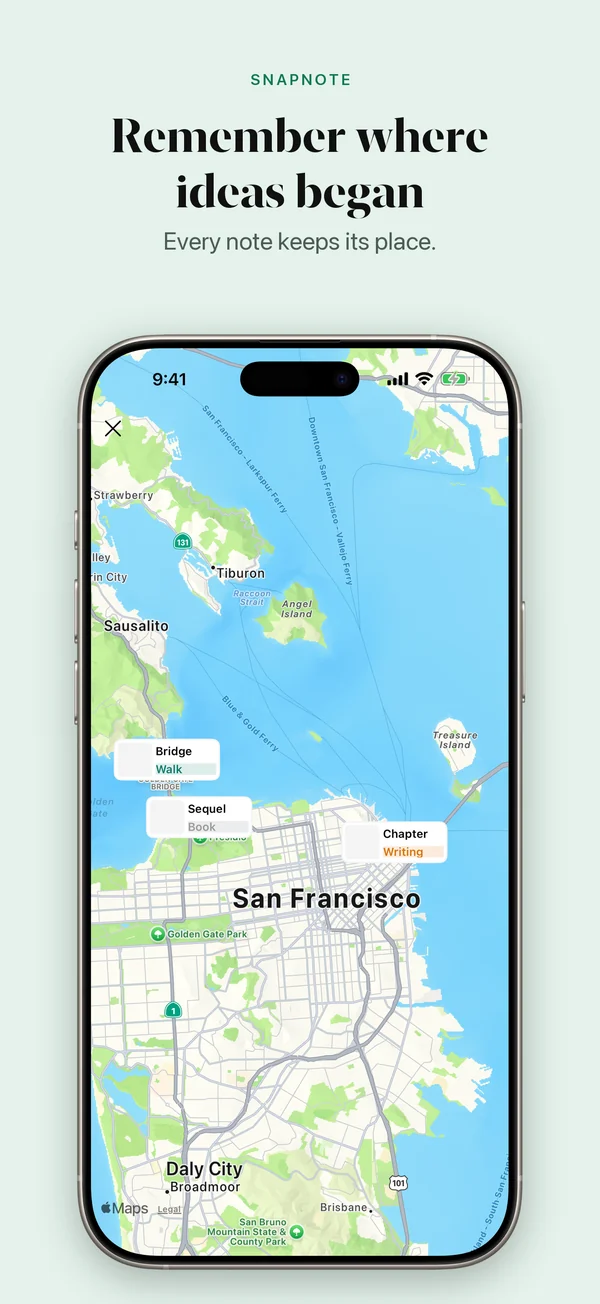
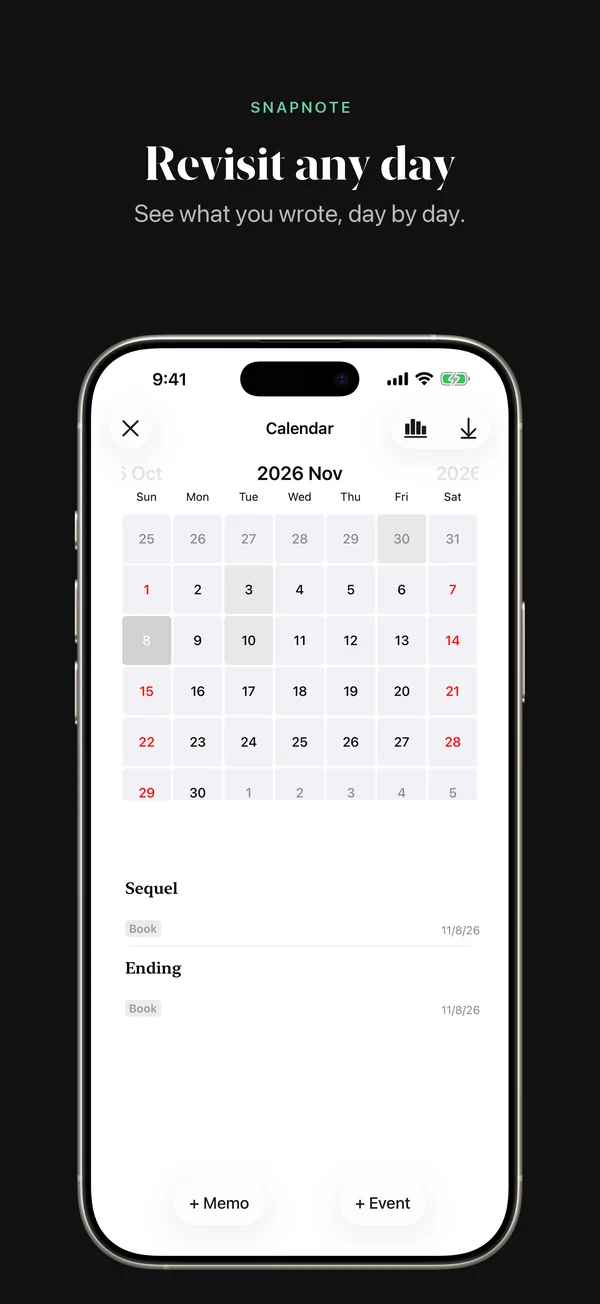
Tags, pins, archive, a calendar view and a map of where each idea was written.
Focus sessions
A focus timer with Screen Time blocking, plus a three-task daily to-do list.
AI on your terms
Use cloud AI, or download a local model and keep AI features on your device.
Everywhere you are
iPhone, iPad and Apple Watch, with home screen and Lock Screen widgets and optional iCloud sync.
Private
Lock the app with a passcode or Face ID. iCloud sync is off until you turn it on.
Questions
- Is Snapnote free?
- Yes. Notes, tags, search, reminders, widgets and many tools are free. Pro is a one-time purchase that unlocks the research tools, and Ultra is a subscription that adds cloud AI.
- Which devices does it run on?
- iPhone and iPad on iOS 17 or later, and Apple Watch on watchOS 10 or later.
- Which languages does it support?
- English, Korean, Japanese, Simplified and Traditional Chinese, French, Spanish, Portuguese, Russian, Dutch and Arabic.
- Where are my notes stored?
- On your device. If you turn on iCloud sync, they are also stored in your own iCloud account.
Version 8.11.2 · 80.5 MB · Requires iOS 17.0 or later · By Yongjun Lee